Hourly price
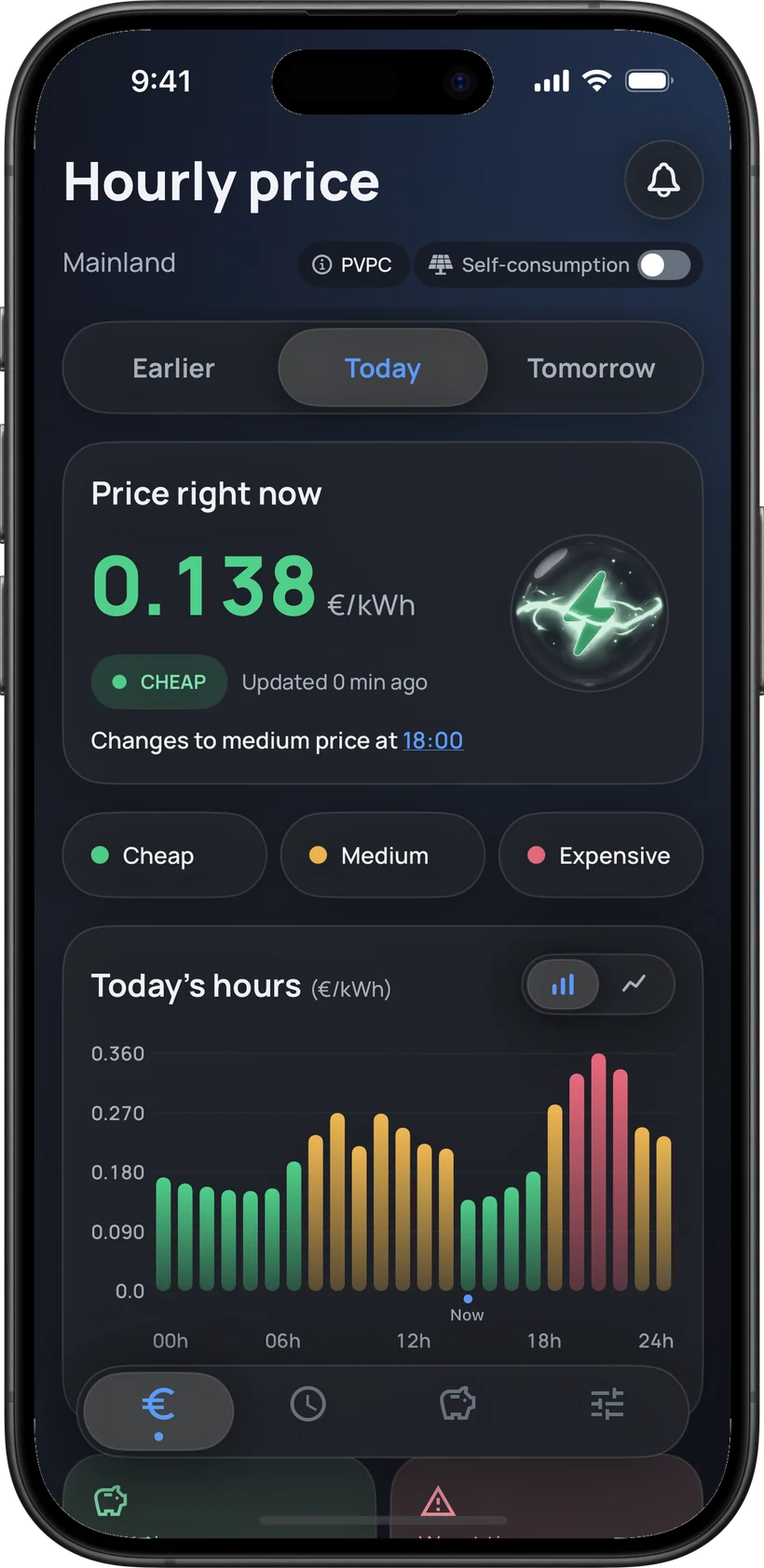
All 24 hours at a glance
Spot cheap, average and expensive hours using official REE and ESIOS data.
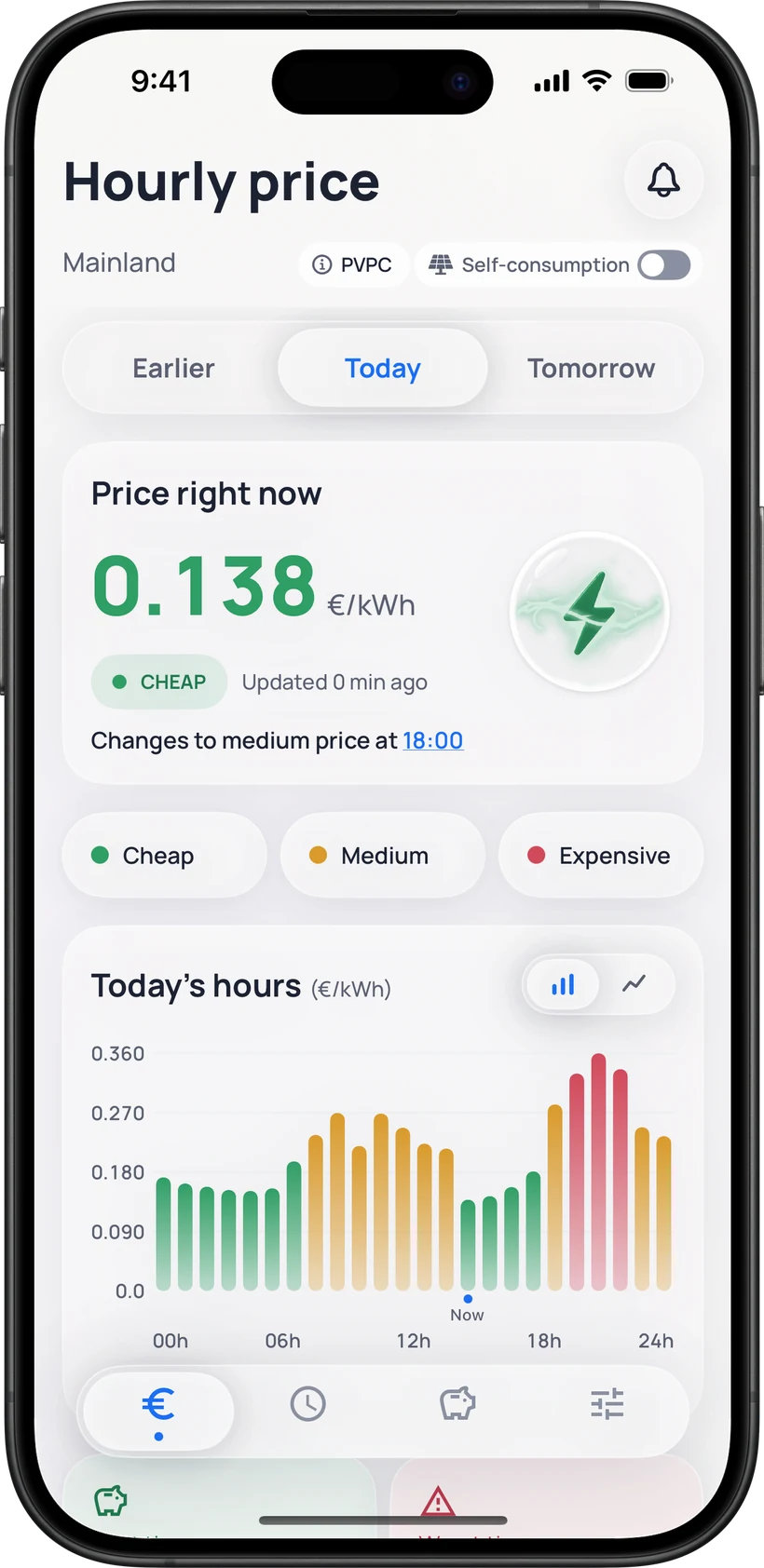
Cheap14:00–15:00
Expensive20:00–21:00
Official sources · REE · ESIOS
Check hourly electricity prices and plan your energy use around the most affordable time slots.
Illustration of the hourly price screen
Everything you need
FranjaLuz turns official prices into clear, useful information for everyday life.
Hourly price
Spot cheap, average and expensive hours using official REE and ESIOS data.
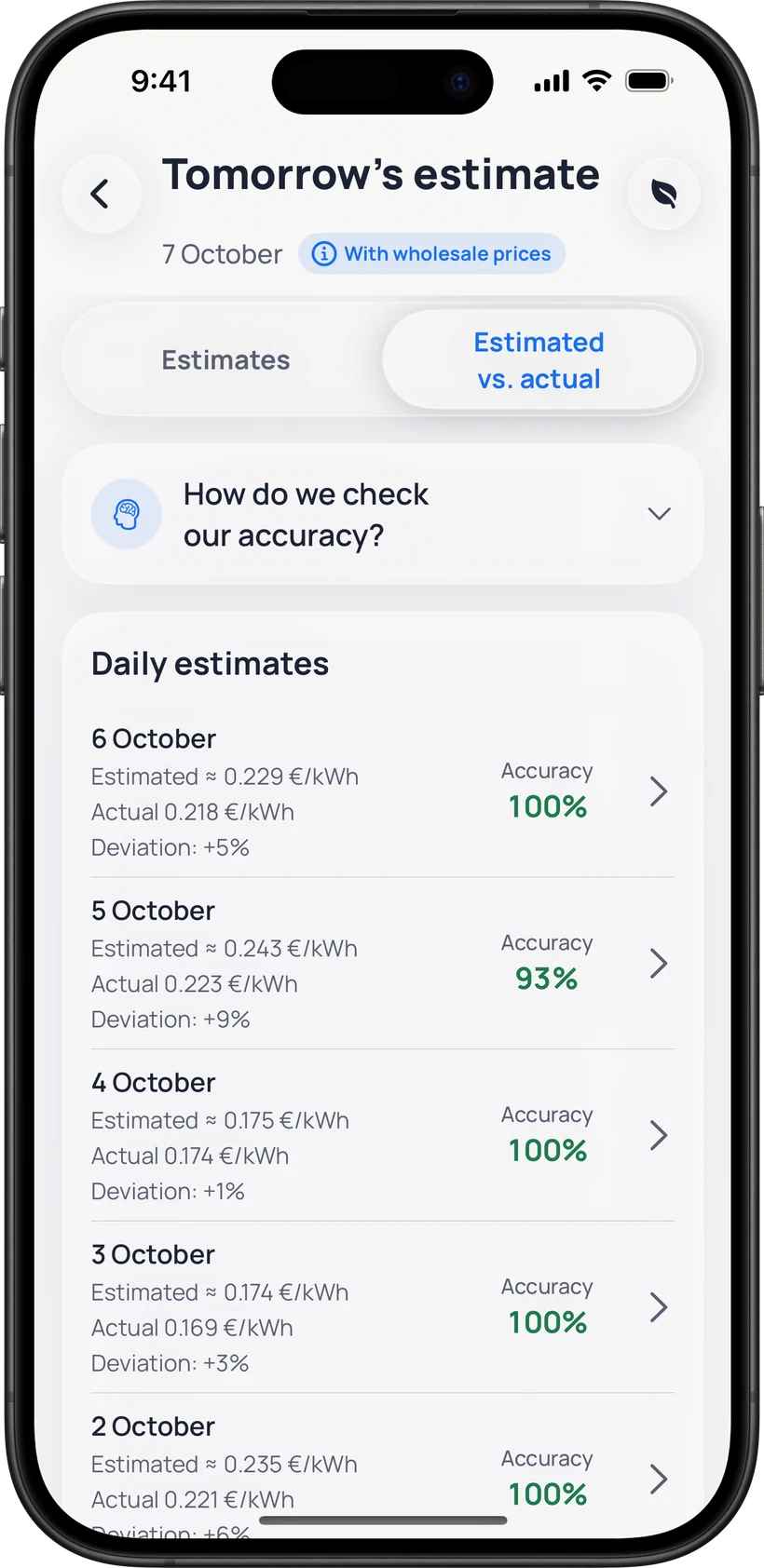
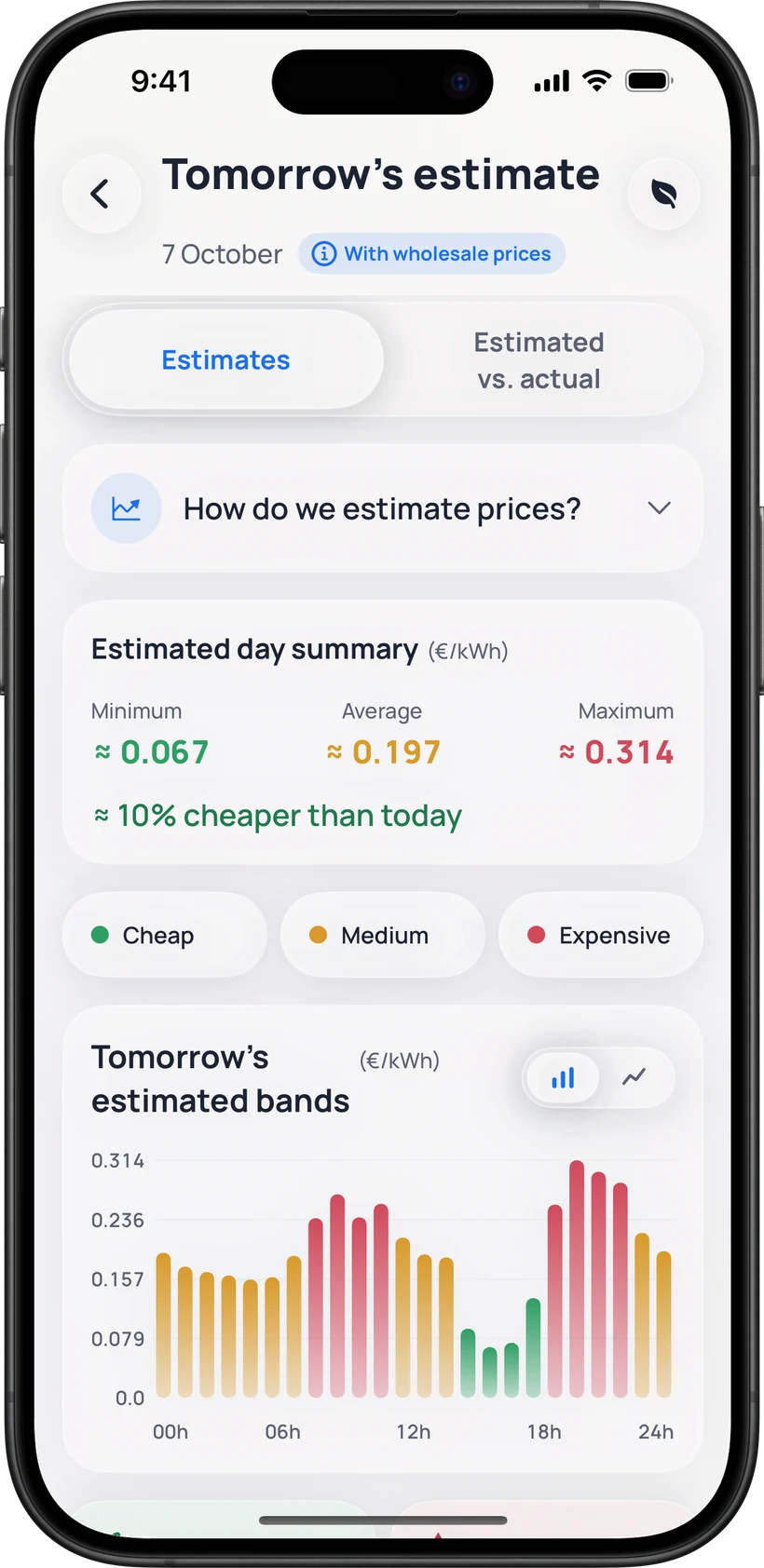
Tomorrow’s estimate
Red Eléctrica publishes tomorrow’s prices at around 20:15. Until then, FranjaLuz estimates each hourly price so you can plan ahead.
It’s an estimate, not the official price: once REE publishes tomorrow’s PVPC, it takes over.
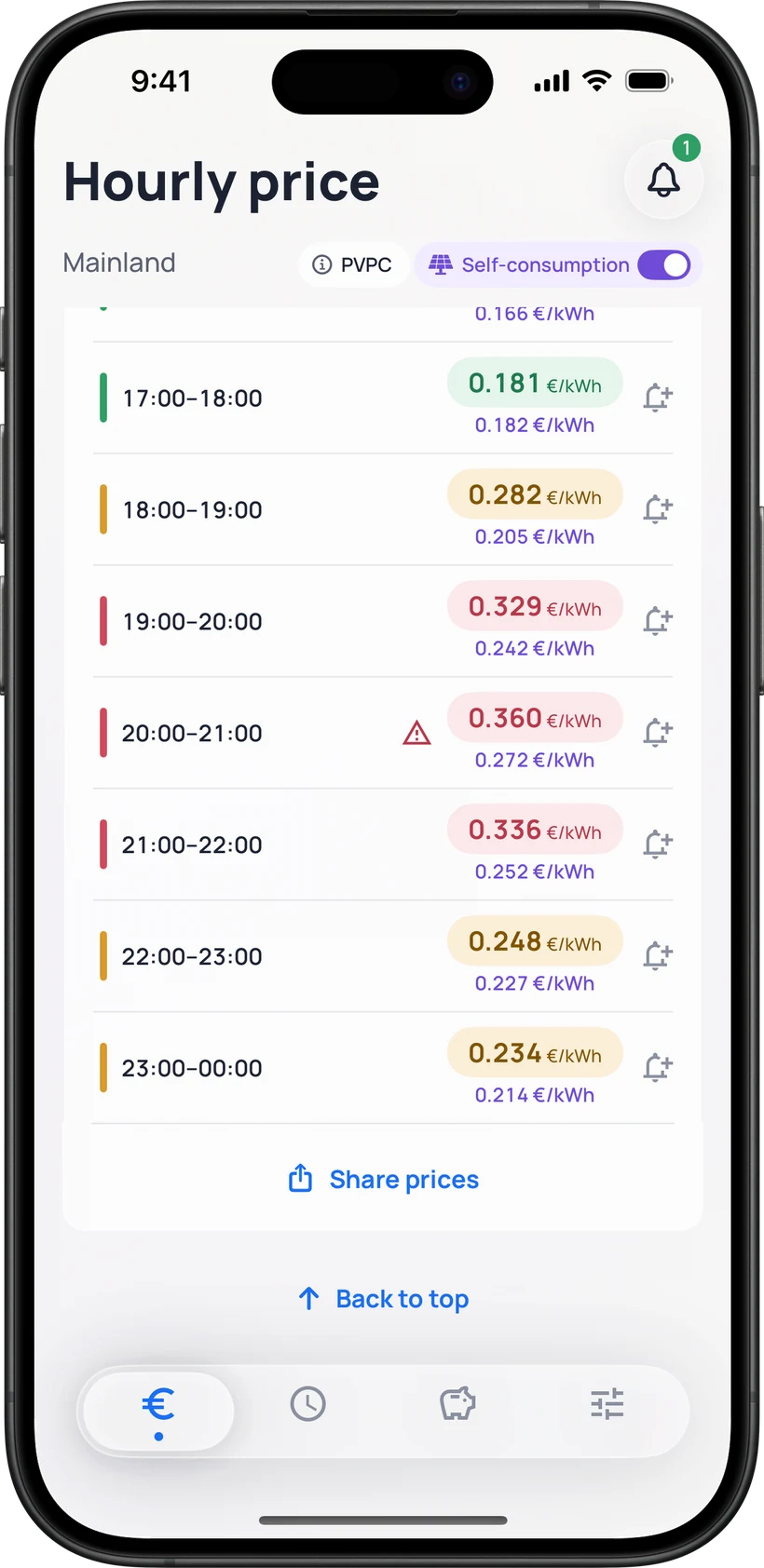
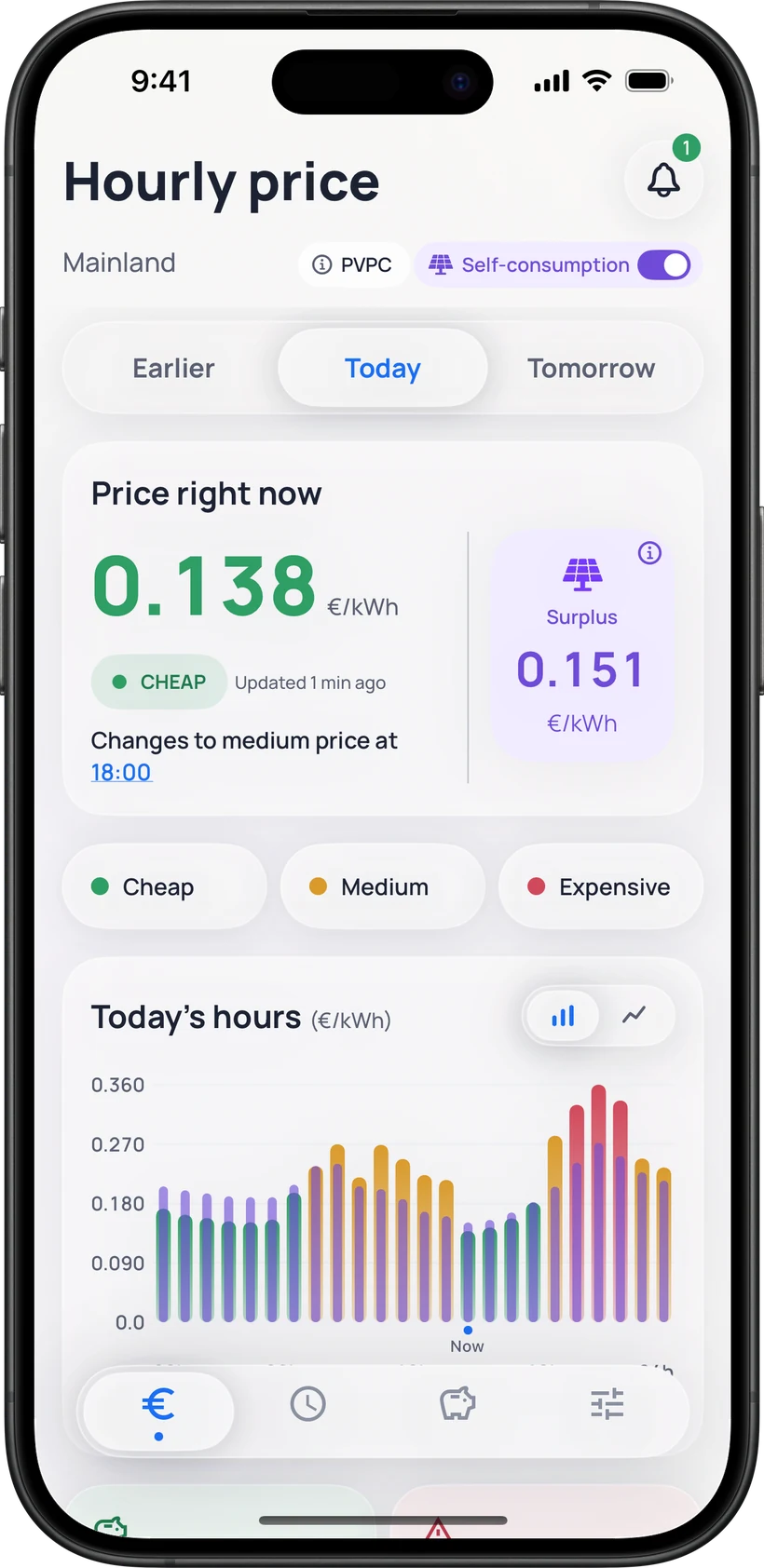
Self-consumption
Turn on Self-consumption and FranjaLuz shows, in purple next to the consumption price, the surplus compensation price for every hour: the official one for PVPC with simplified compensation.
We only show prices: FranjaLuz does not connect to your panels, measure your production or calculate your bill. On a free-market tariff, the surplus price depends on your contract.
Alerts
Automatic alerts, the hours you pick or your own reminders, with the notice you prefer and only when you’re in your zones.
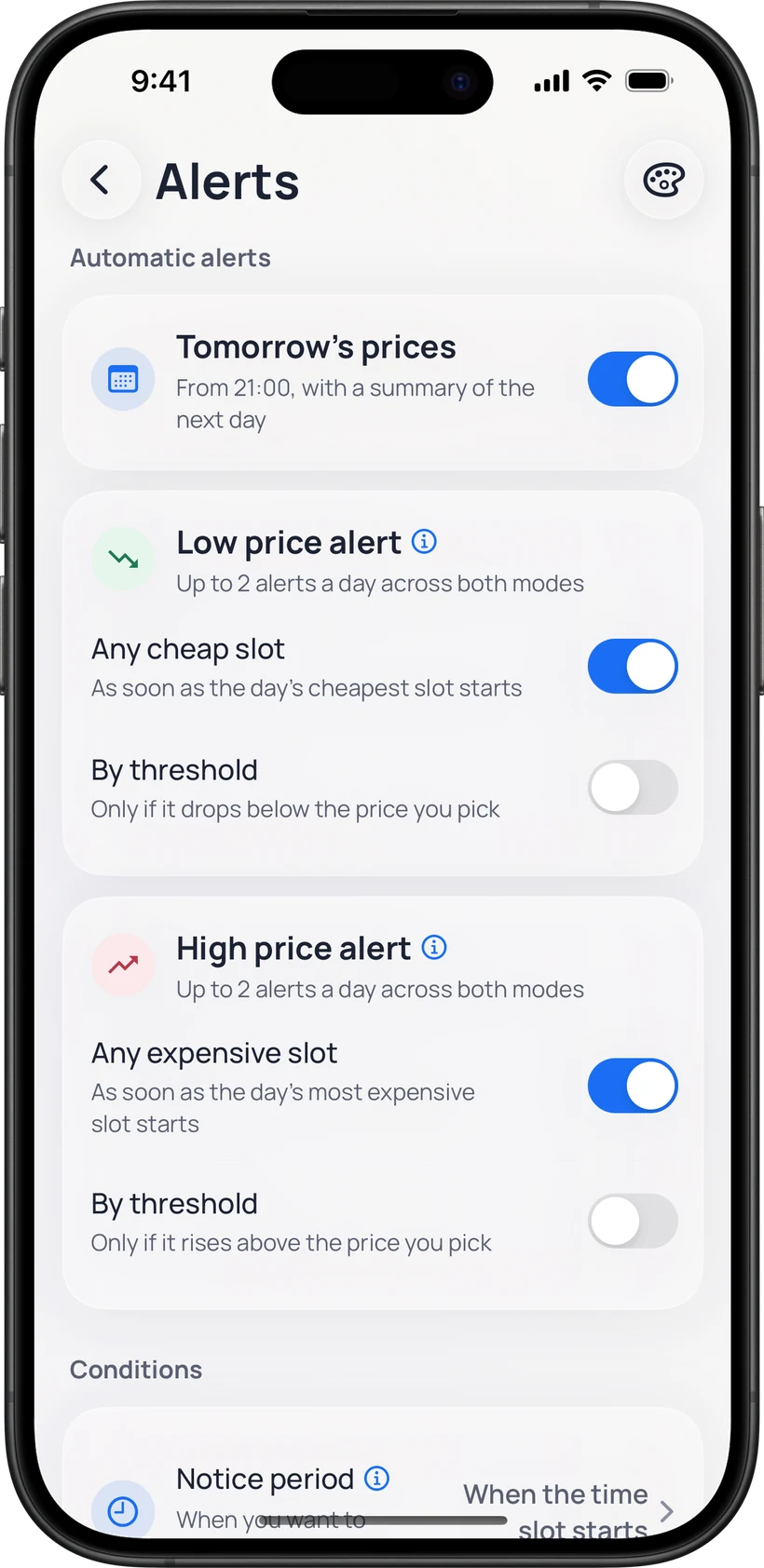
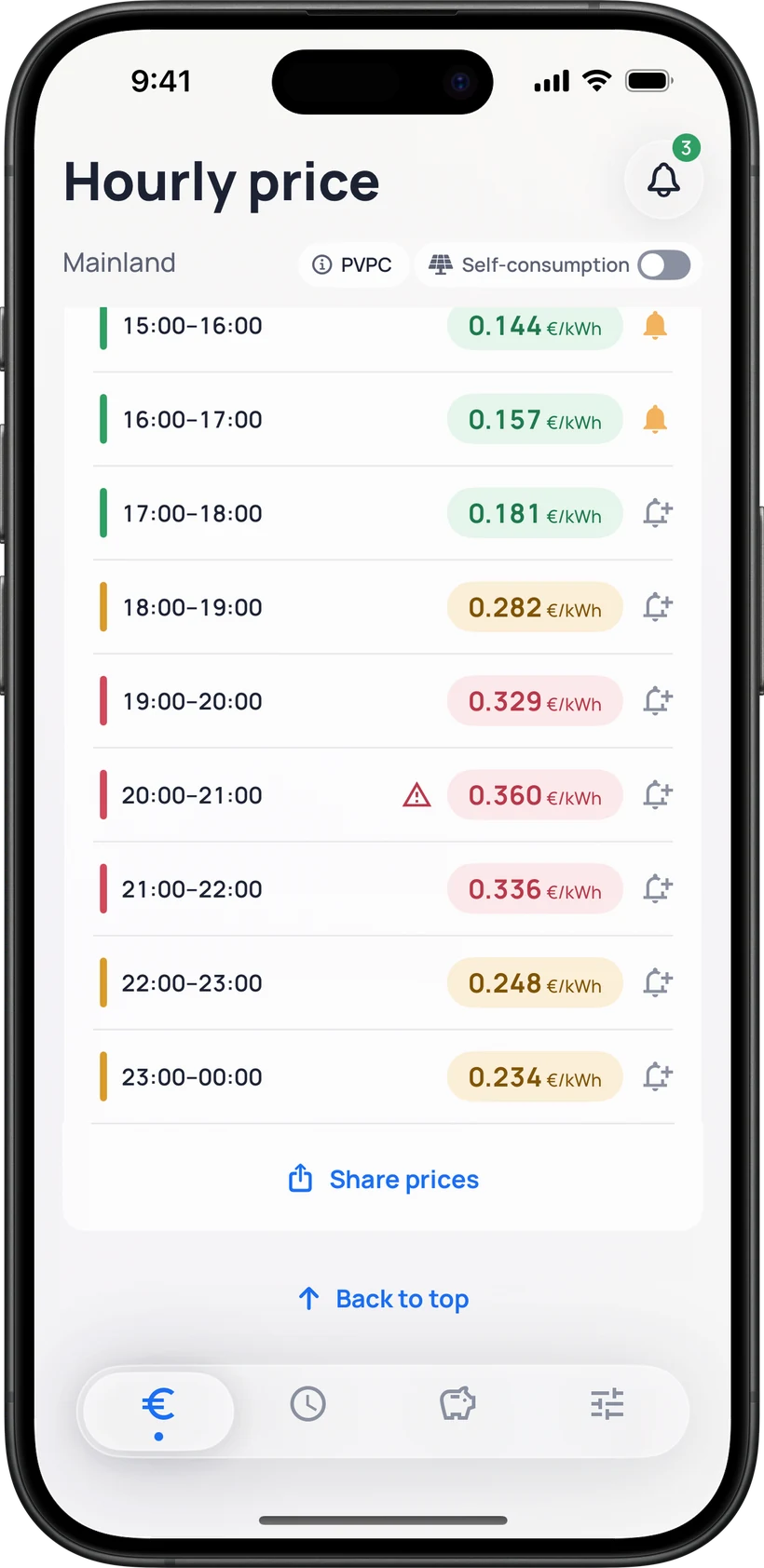
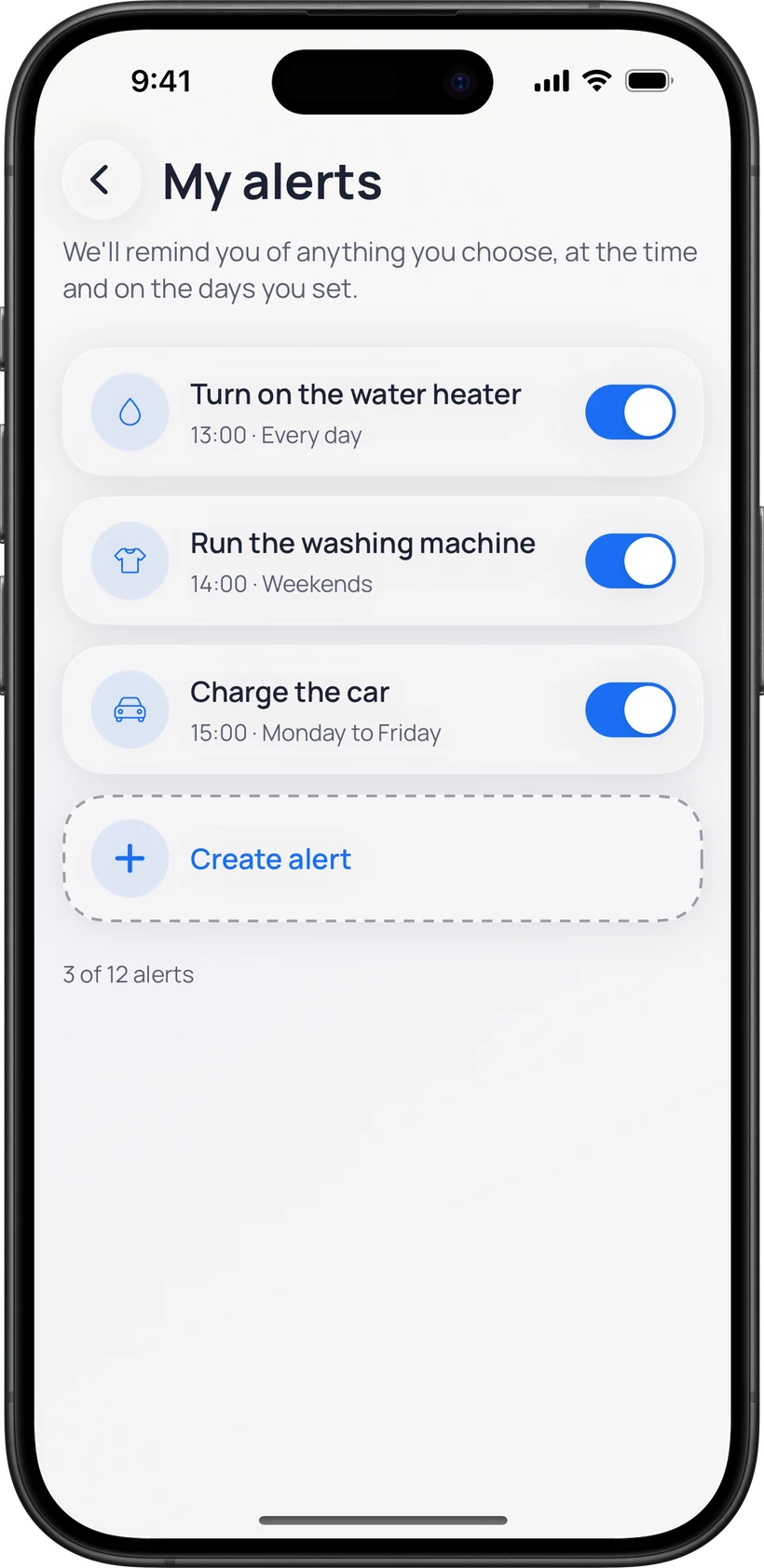
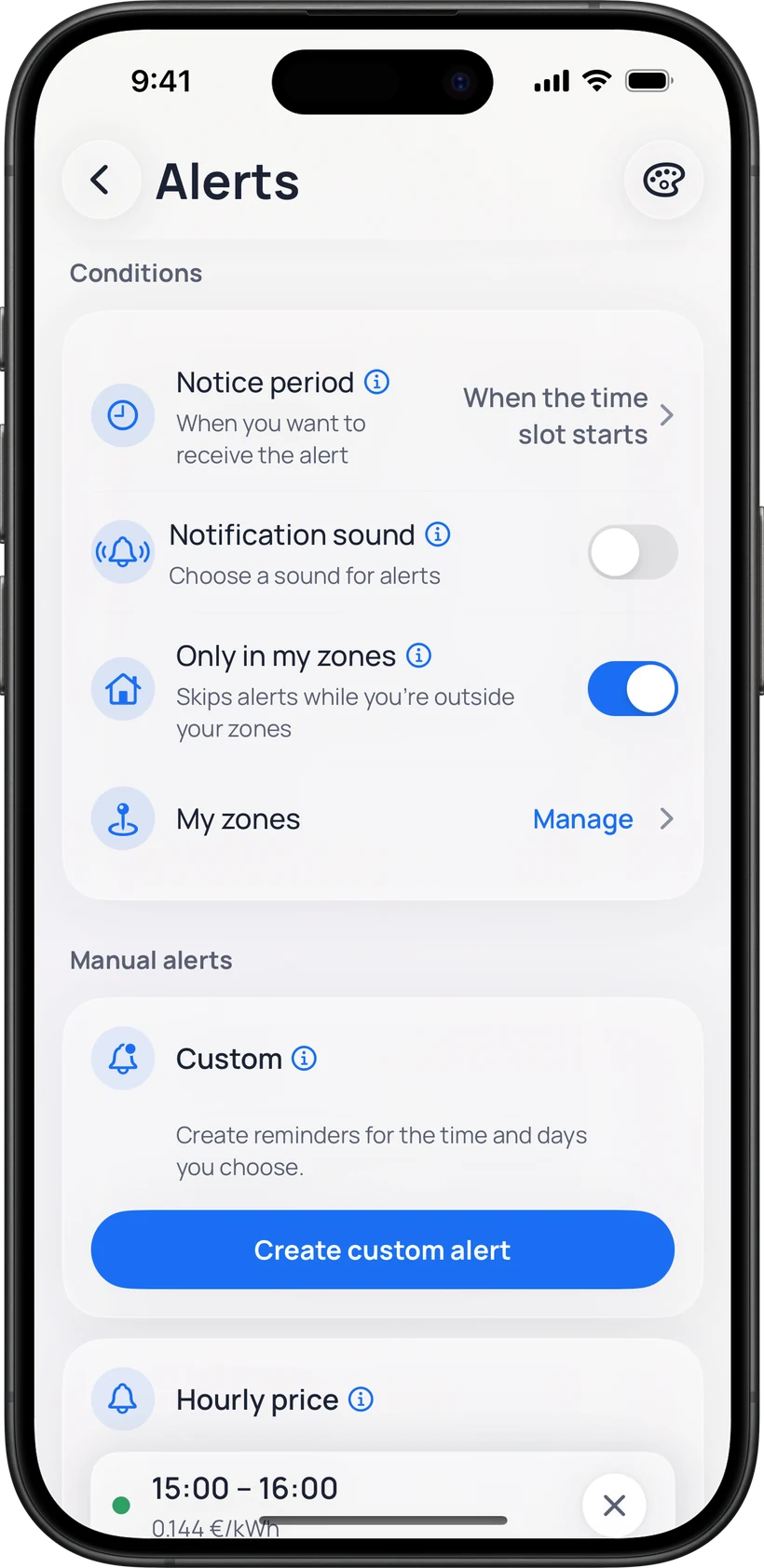
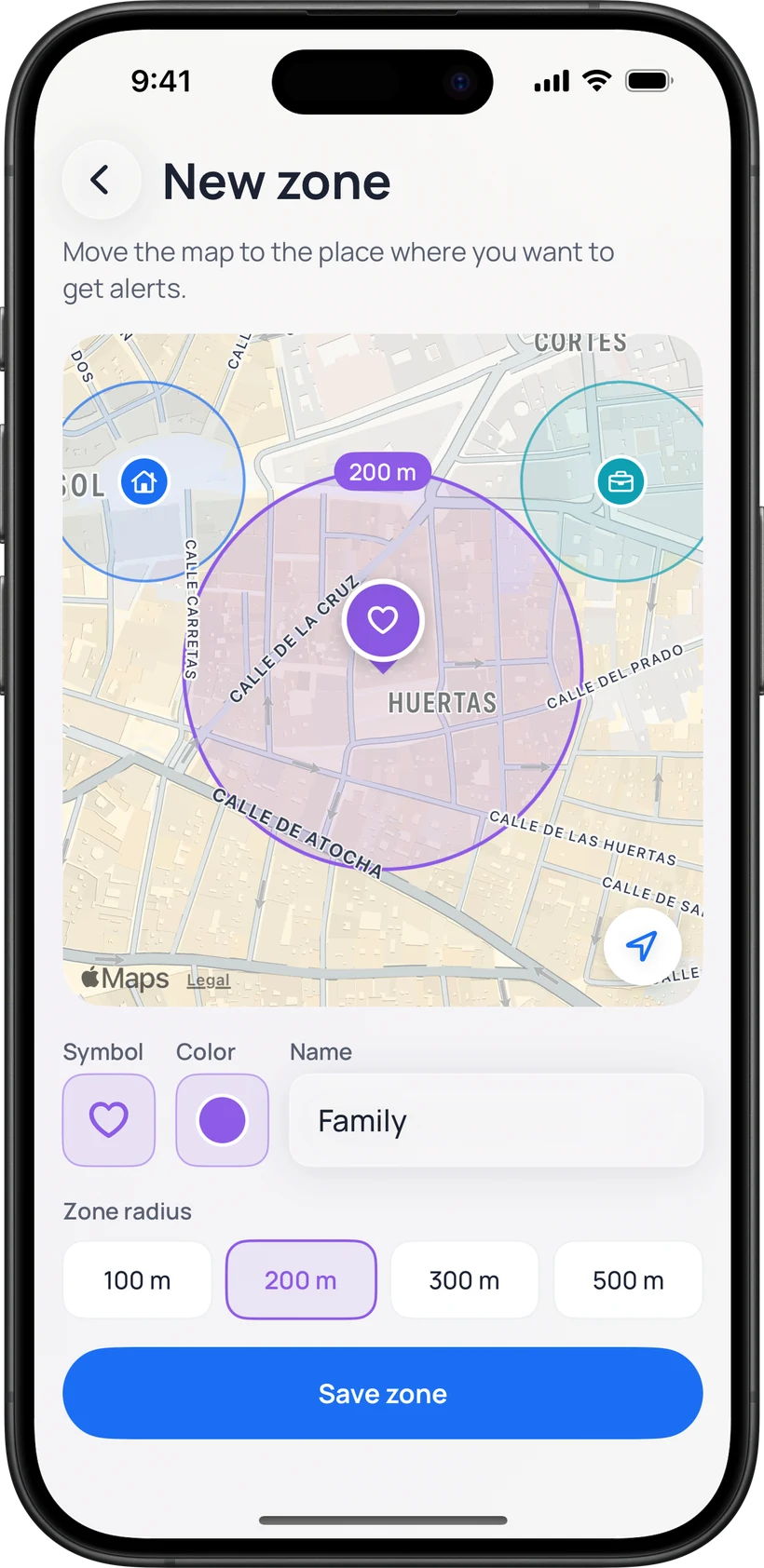
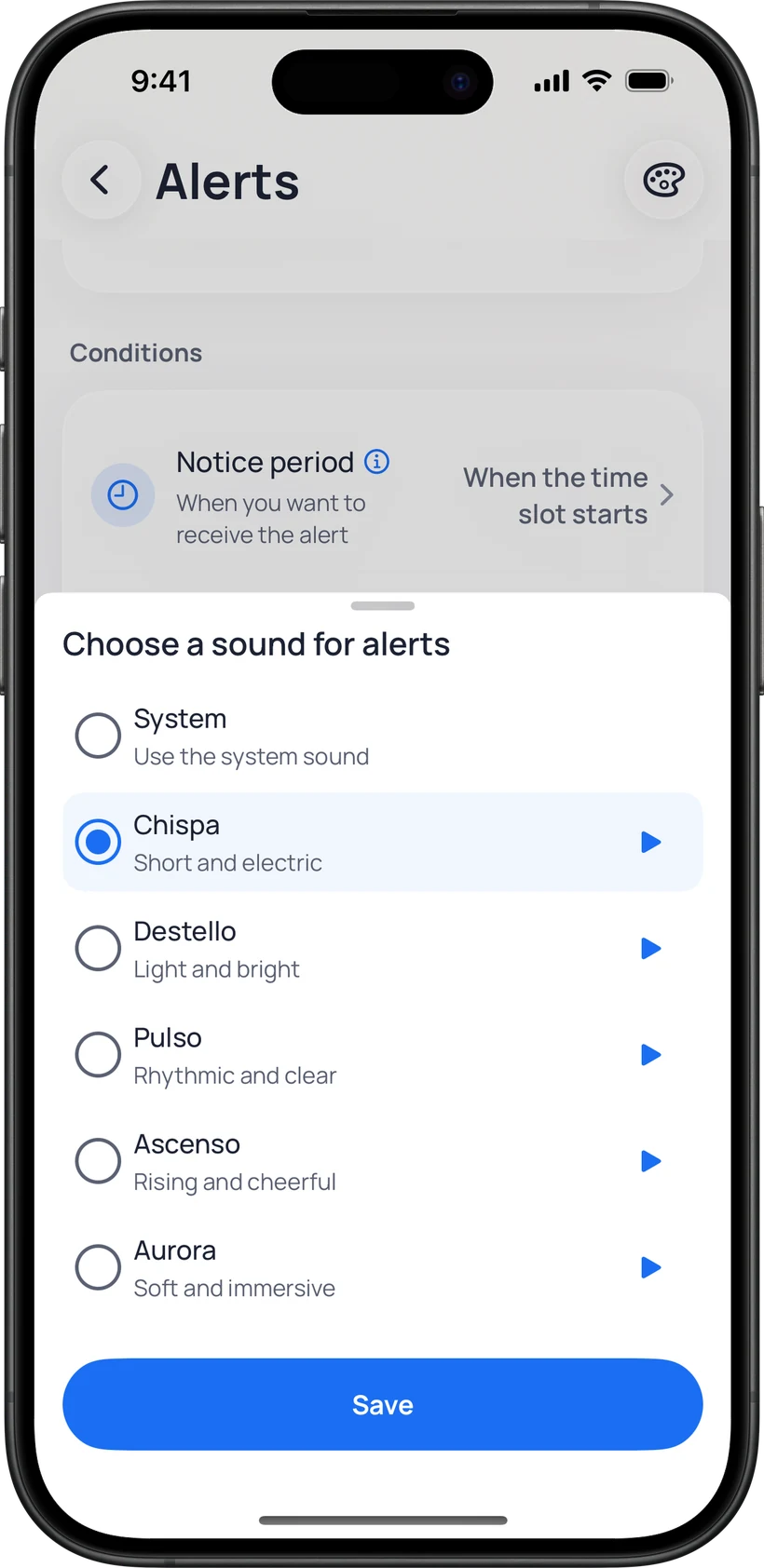
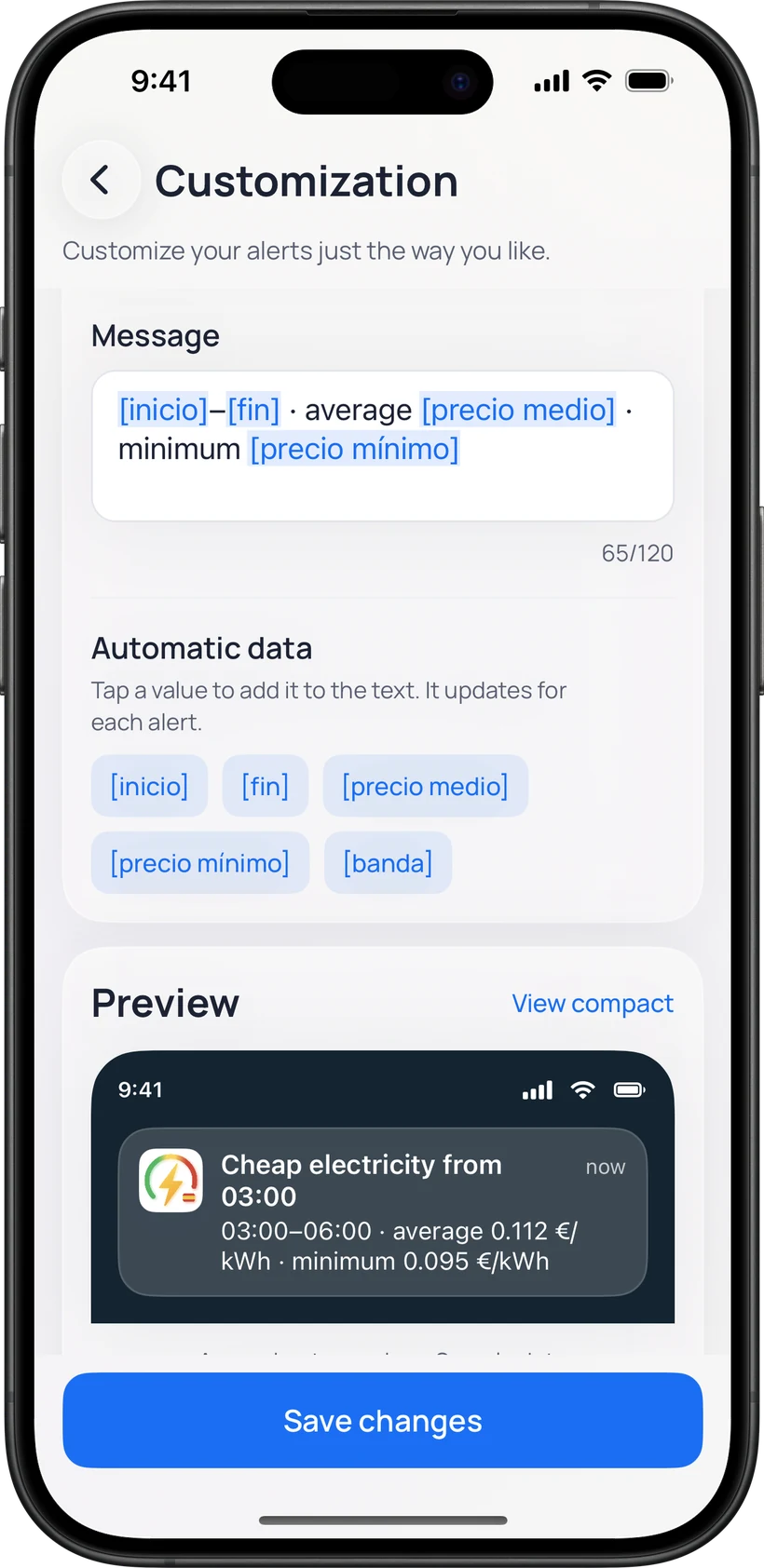
Customize alerts
Change the title and message of each alert type and choose how they sound. The preview shows the result before you save it.
Before saving, you can send yourself a test alert to see how it arrives.
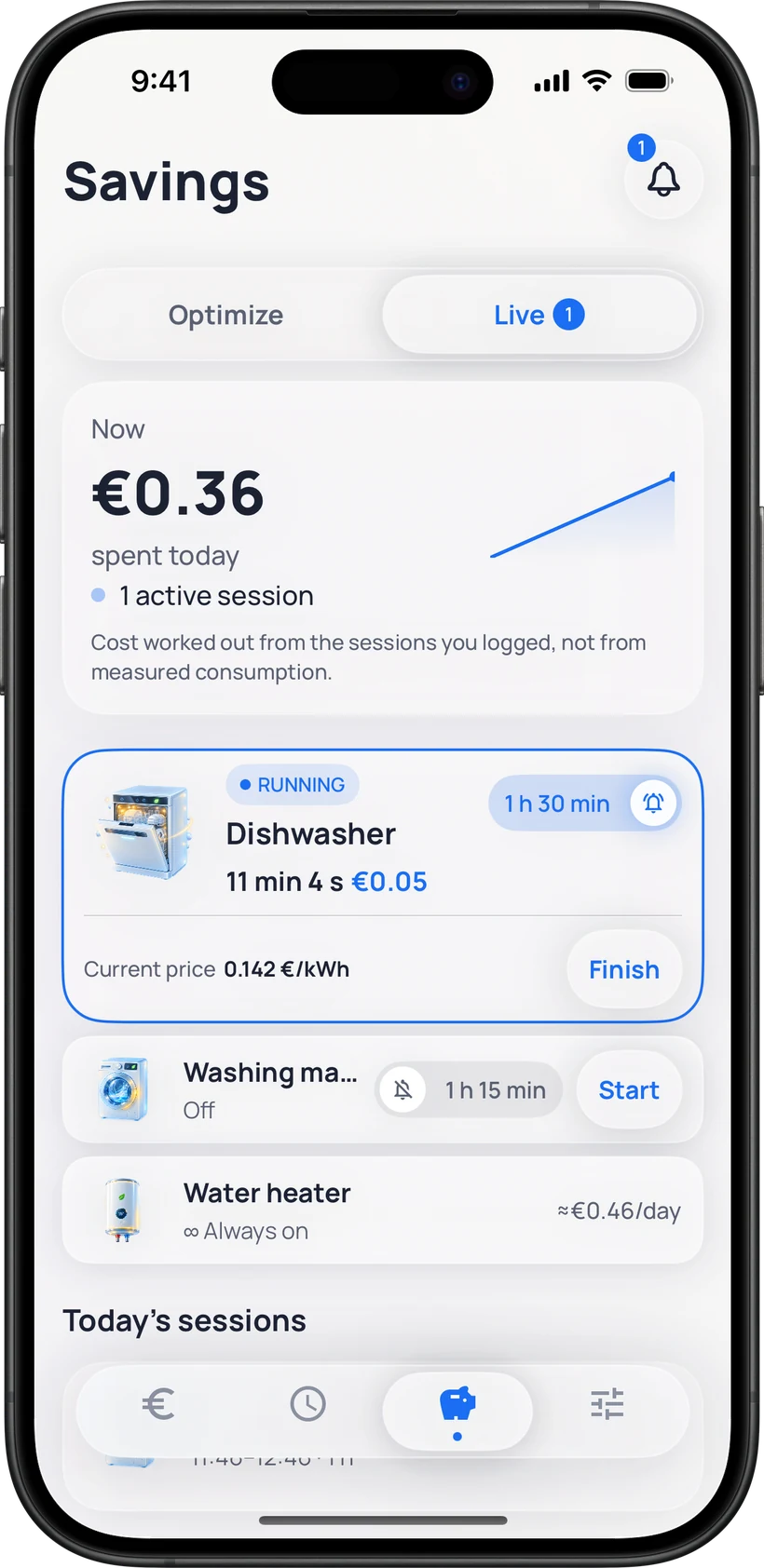
Savings with context
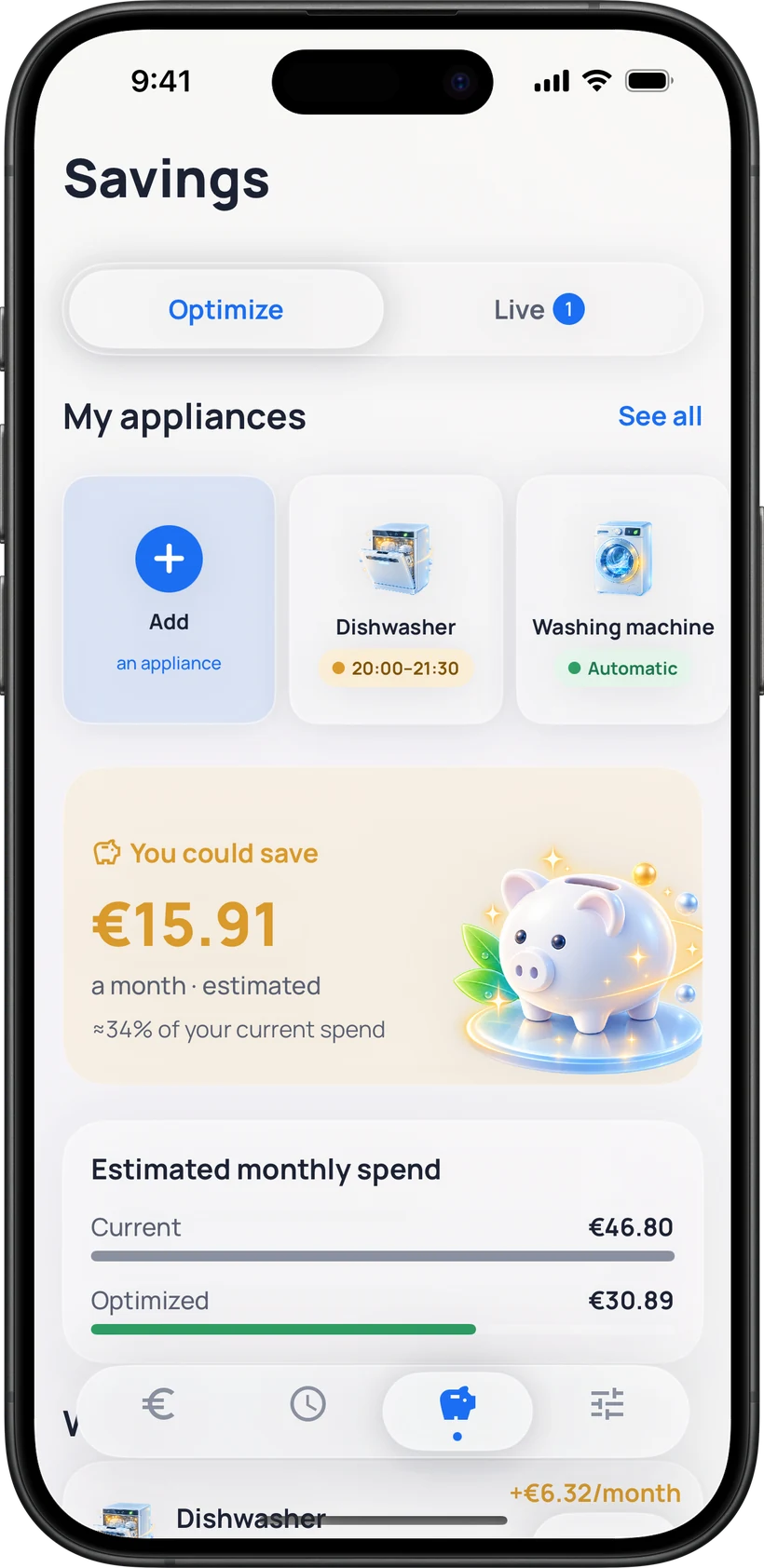
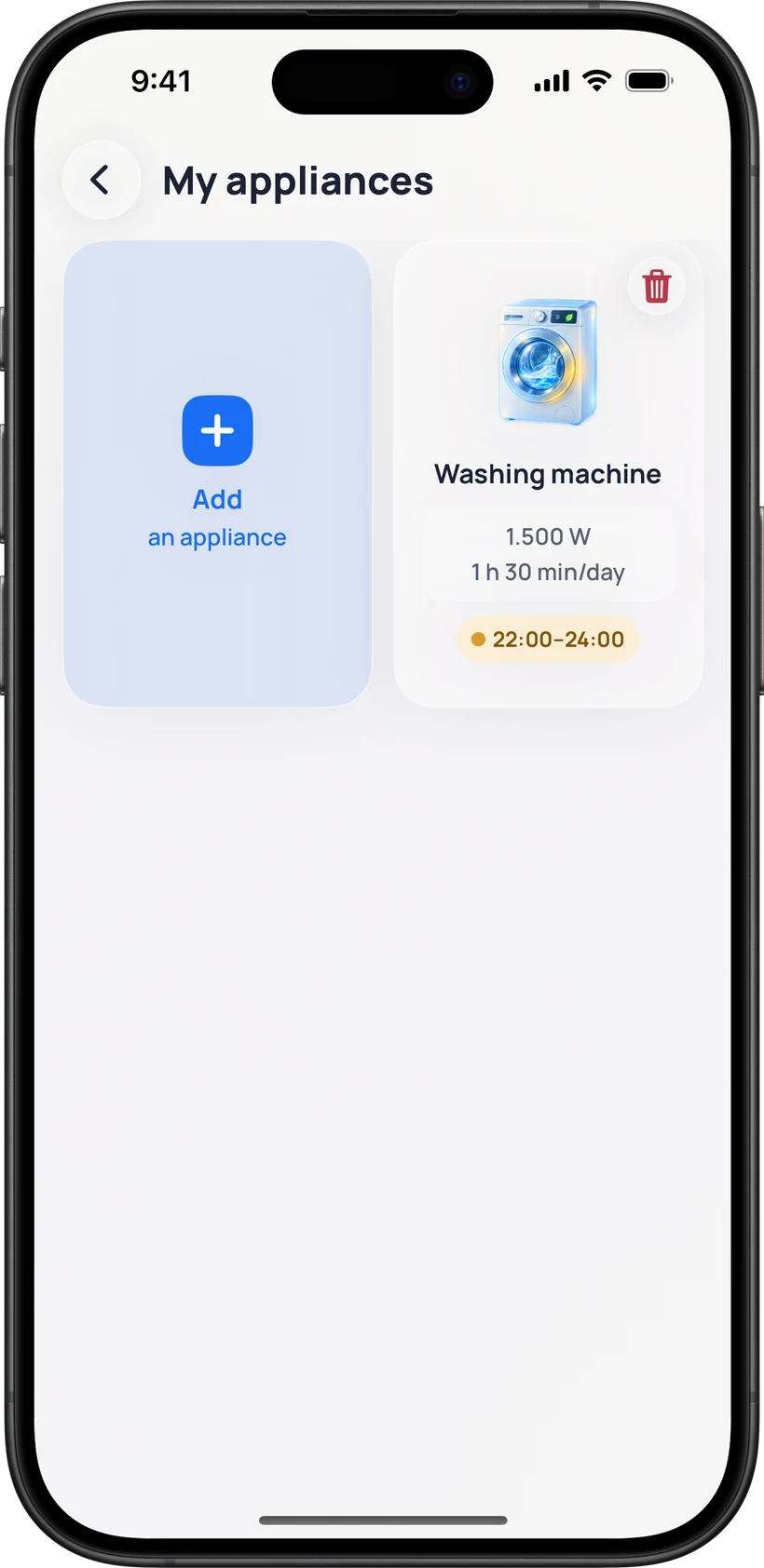
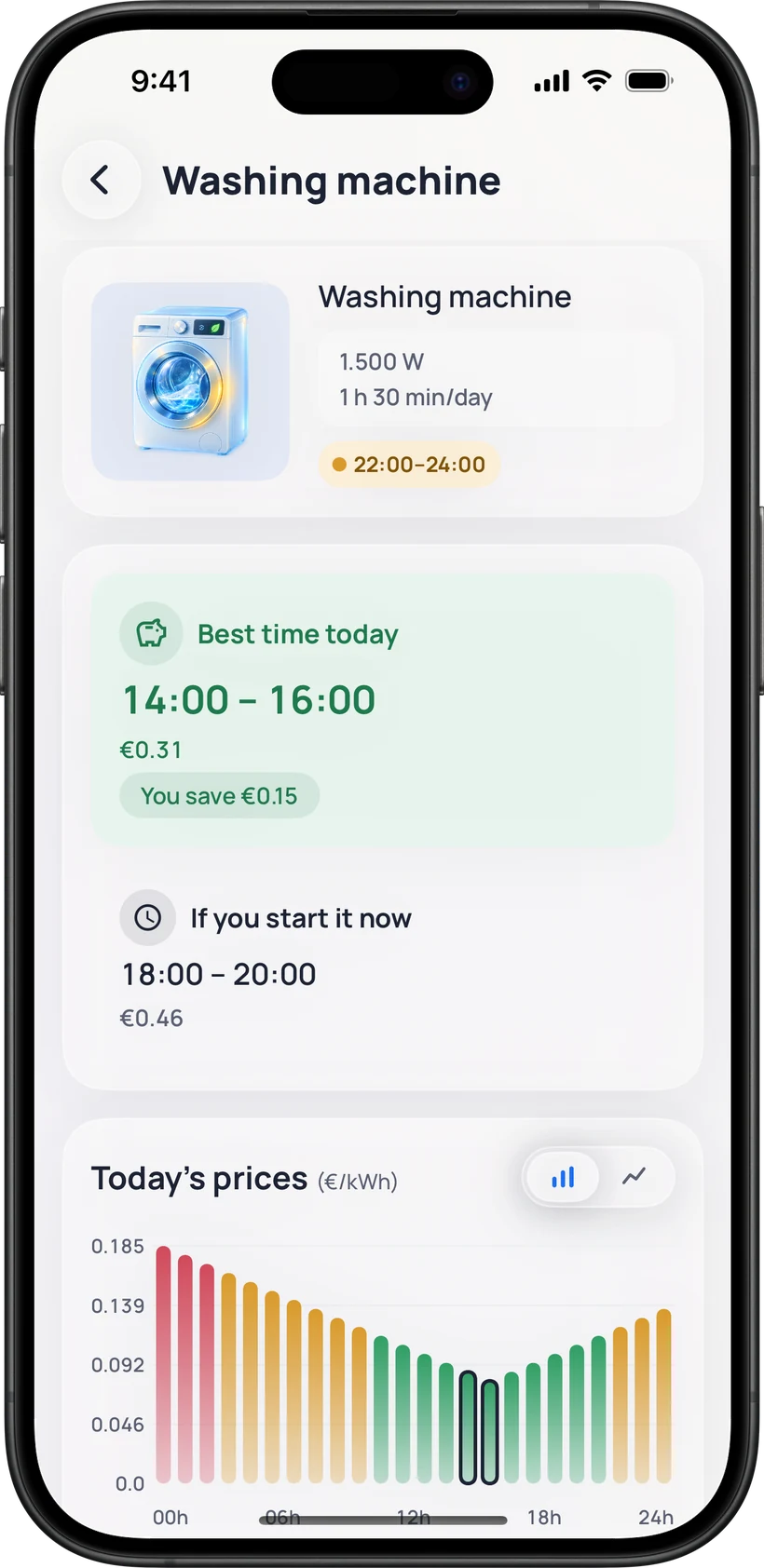
Choose an appliance and how long you will use it. FranjaLuz estimates the cost and finds the best time slot for you.
Widgets
Three home screen widgets: gauge, square and a wide one with the day’s curve, in light or dark.


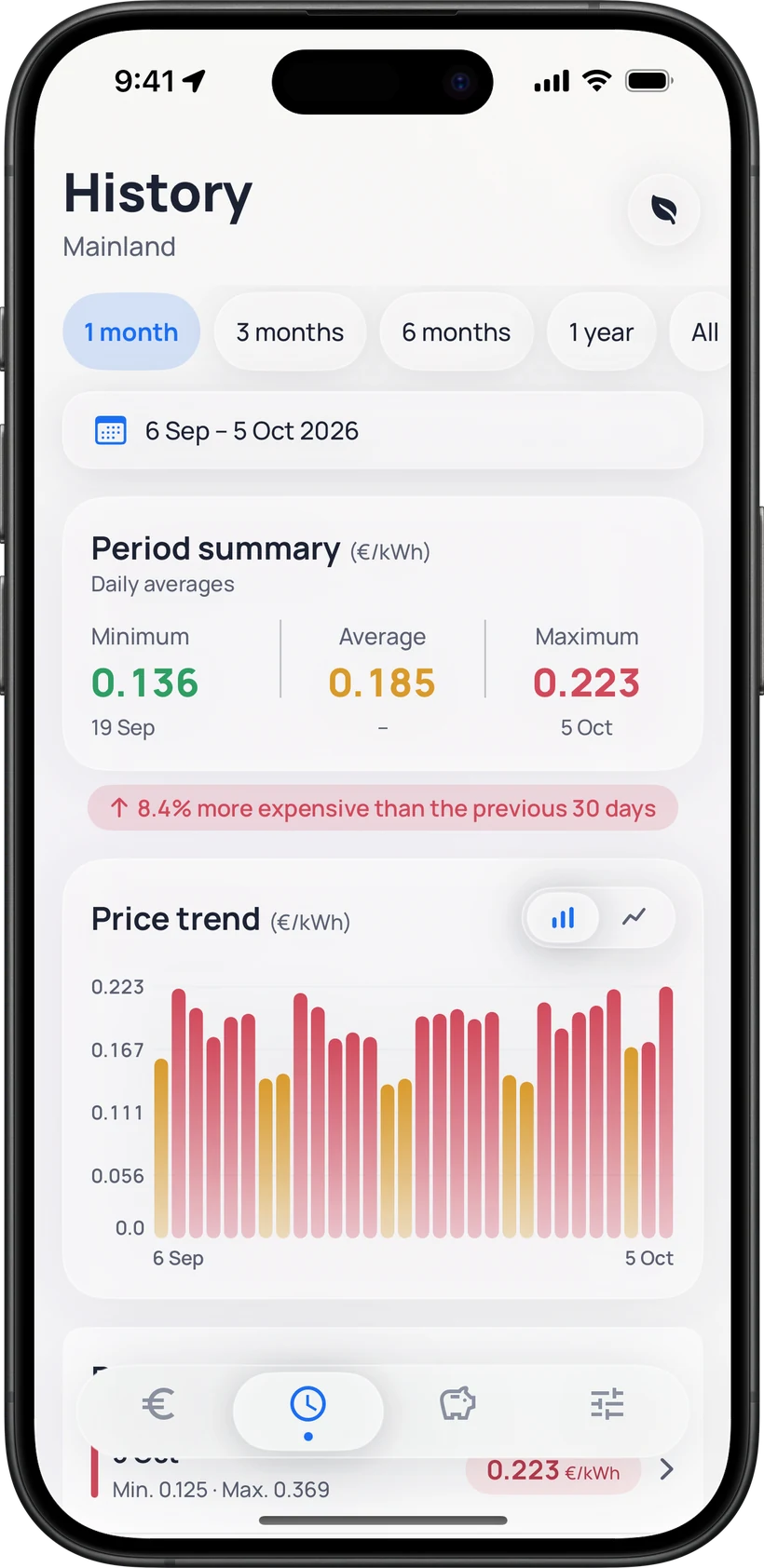
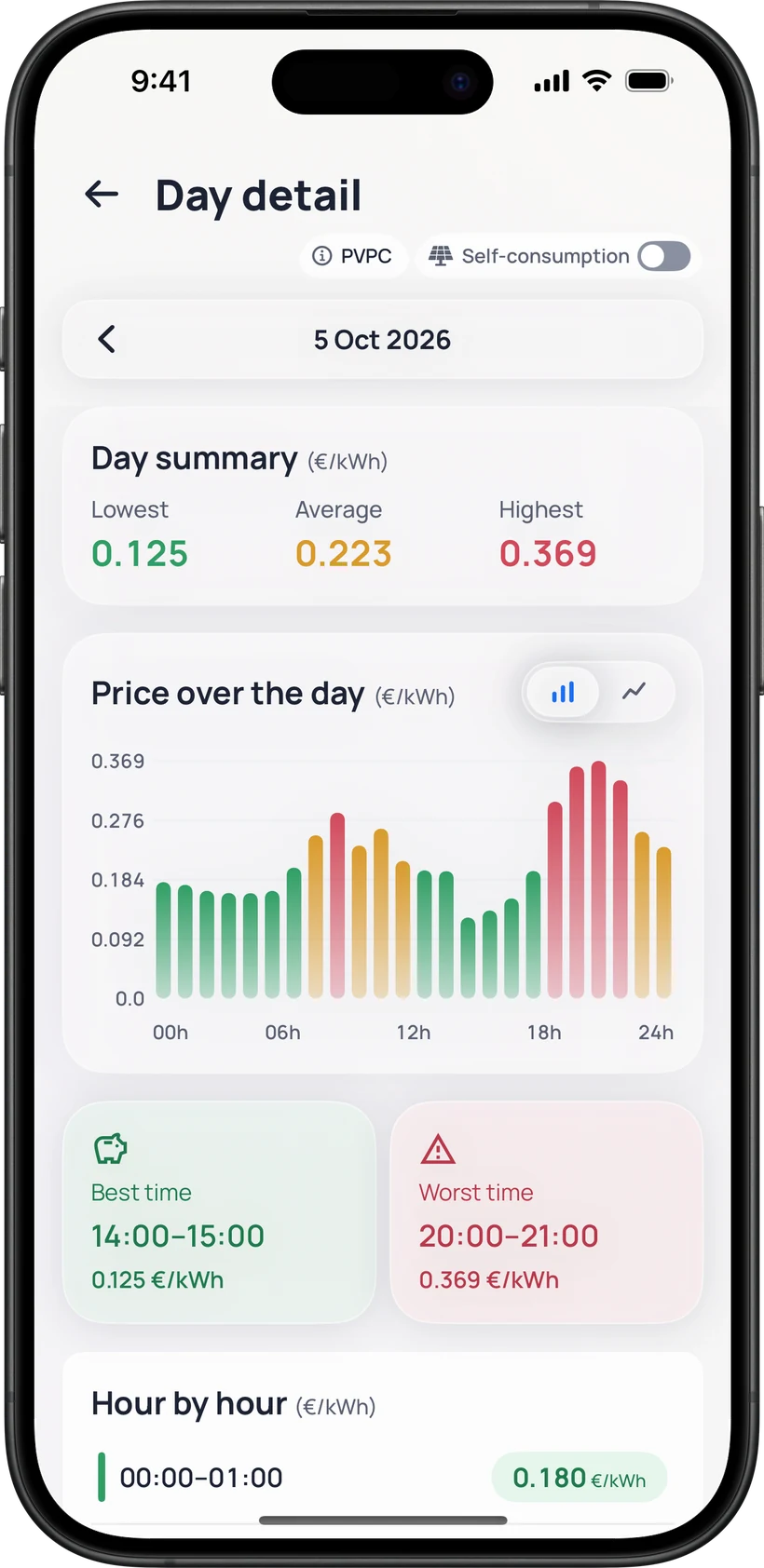
History
Compare days, weeks, months or years, pick any period you like, and open a single day to see its 24 hours.
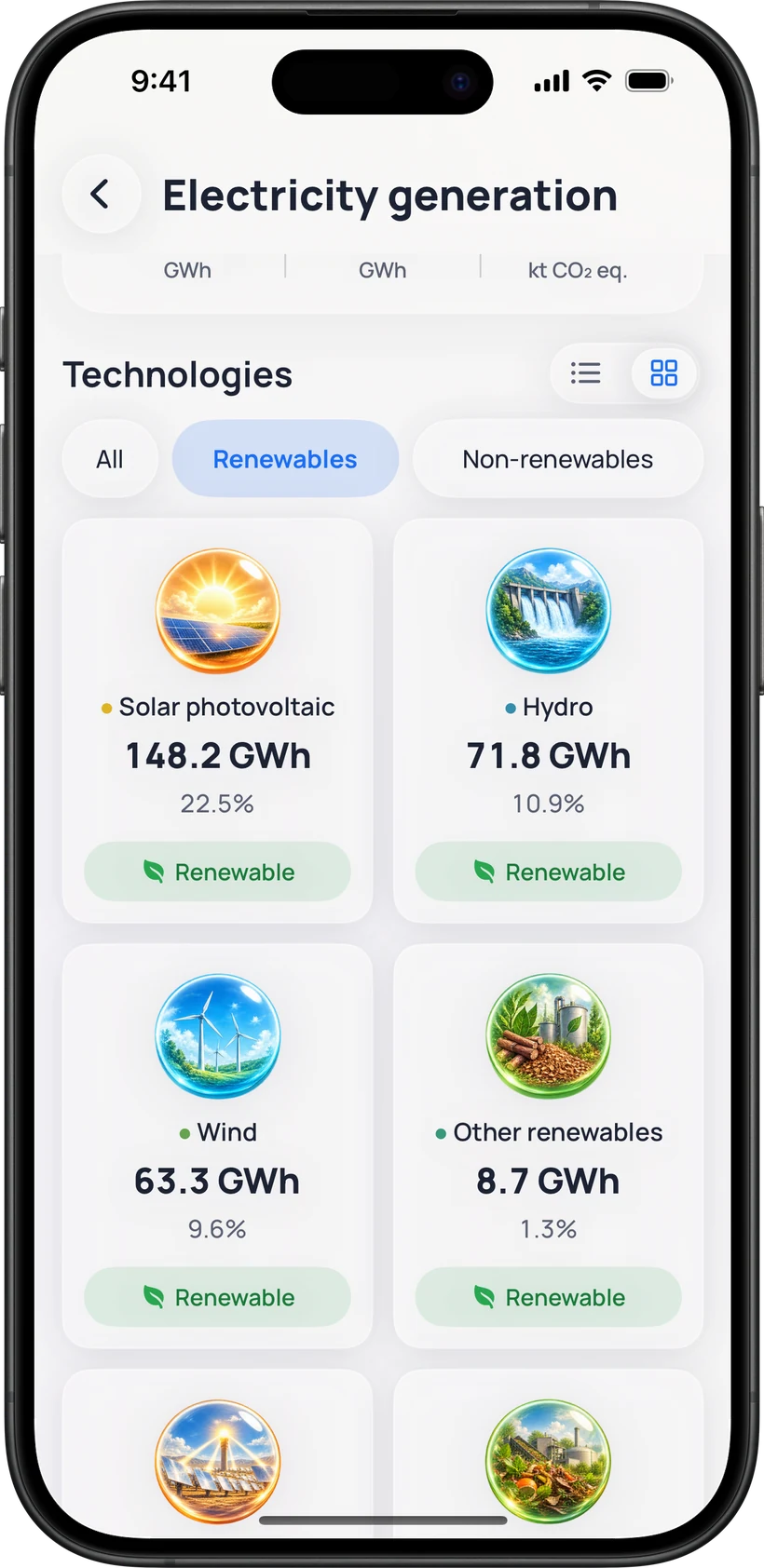
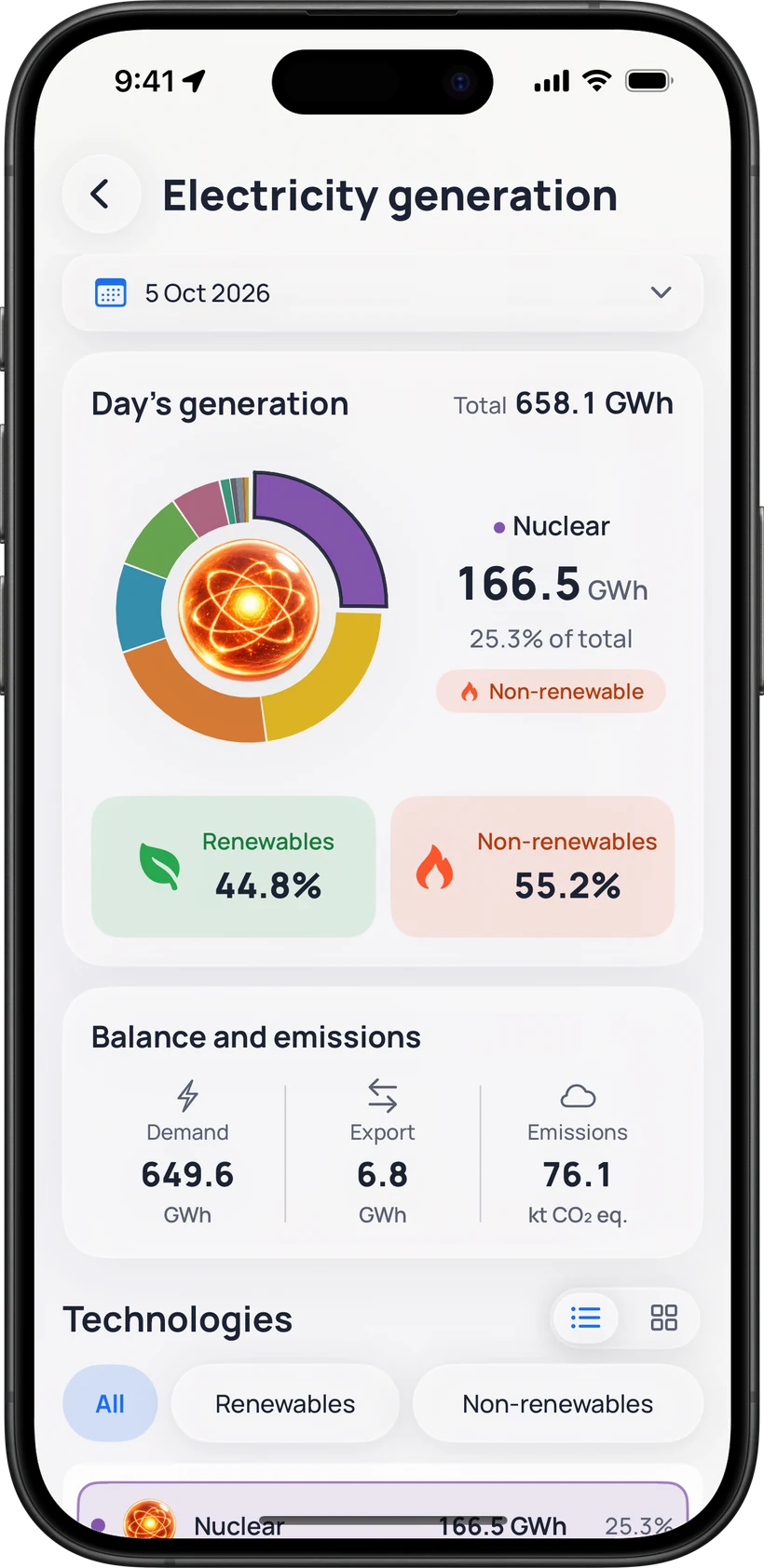
Electricity generation
For every day, how much electricity was generated and from what: wind, solar, nuclear, hydro, combined cycle… FranjaLuz separates renewable from non-renewable, with data from Red Eléctrica.
Days in the current and previous month are provisional: REE may revise them, and FranjaLuz picks up those revisions when it updates.
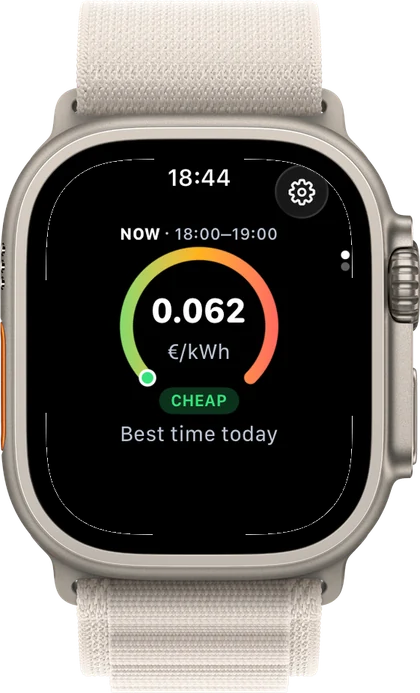
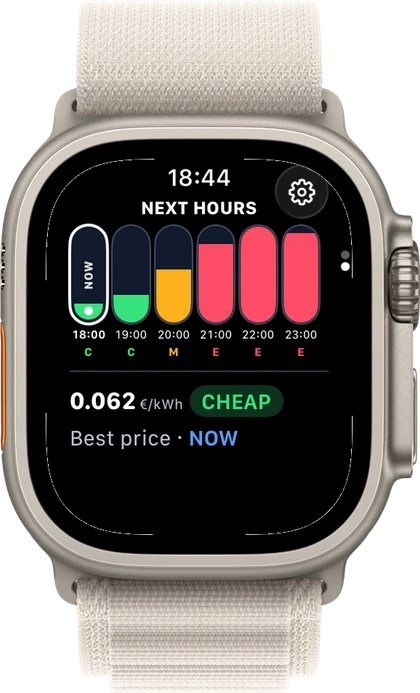
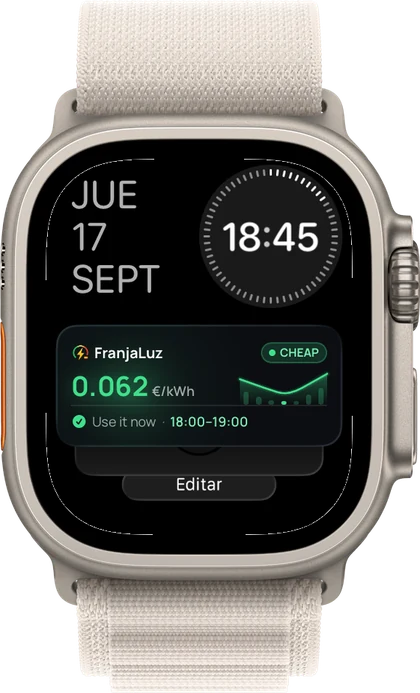
Apple Watch
Check the current band and the hours ahead from the watch, and keep the FranjaLuz card in the Smart Stack, right under the face.
Personalisation
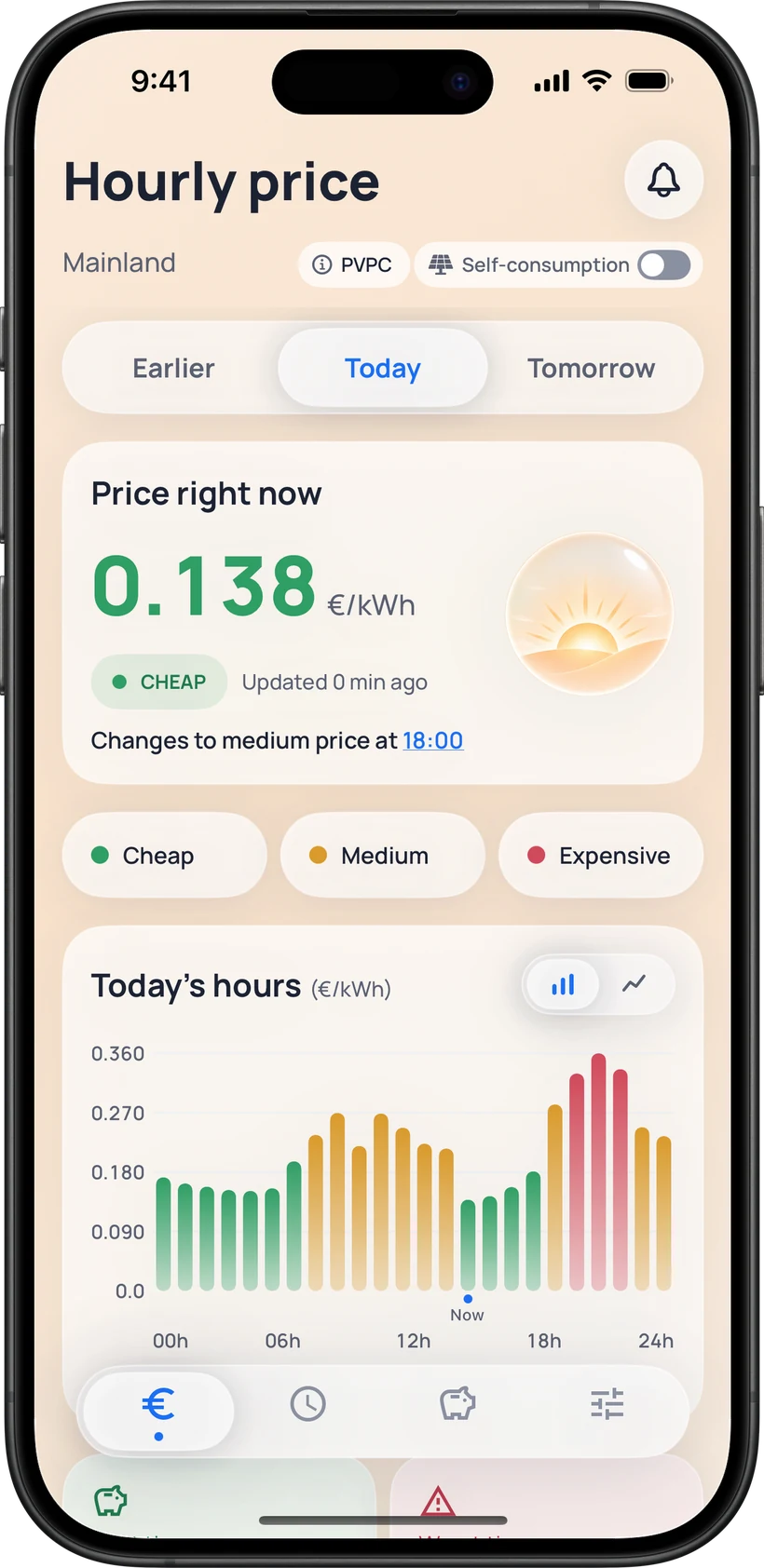
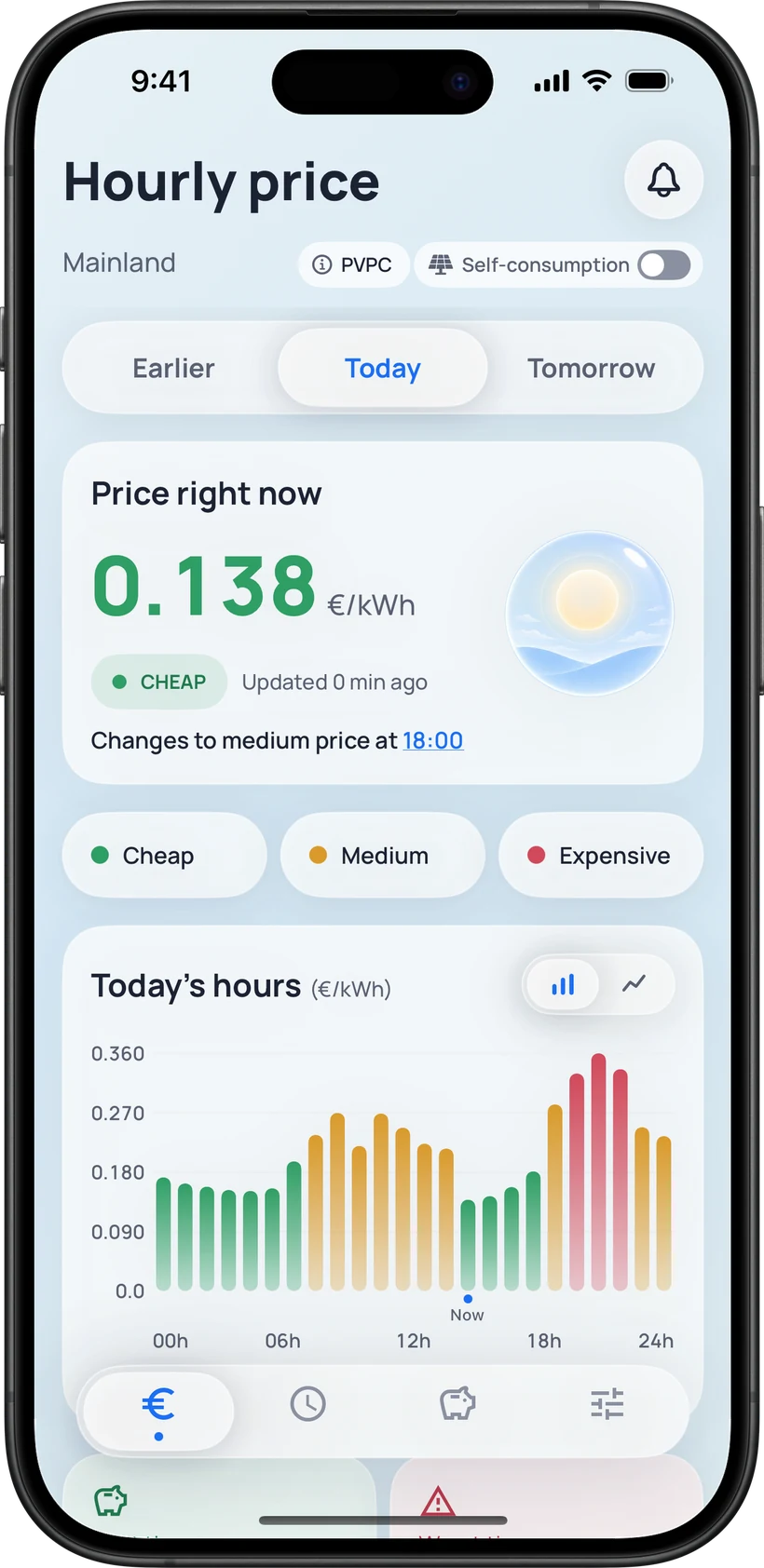
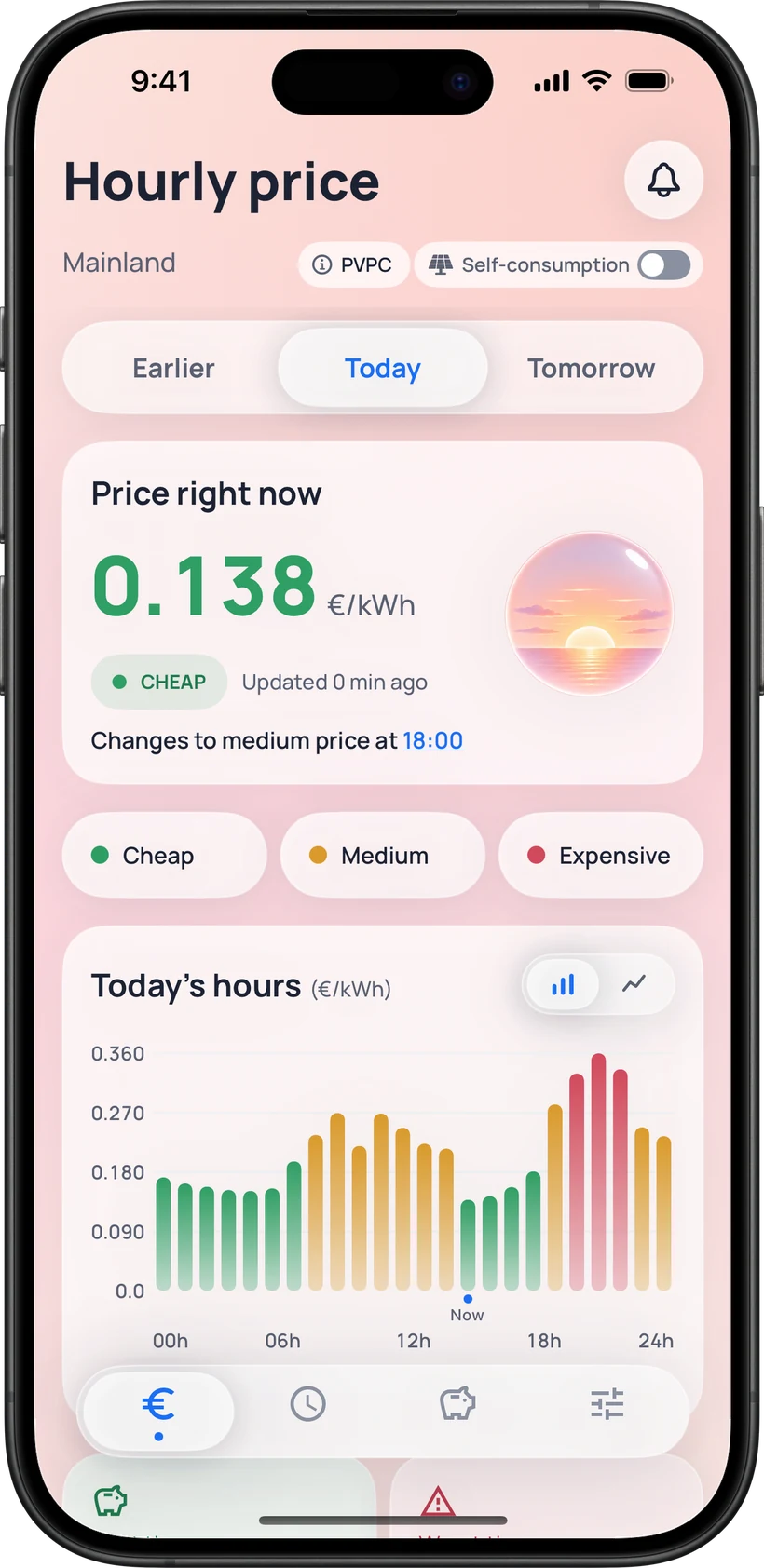
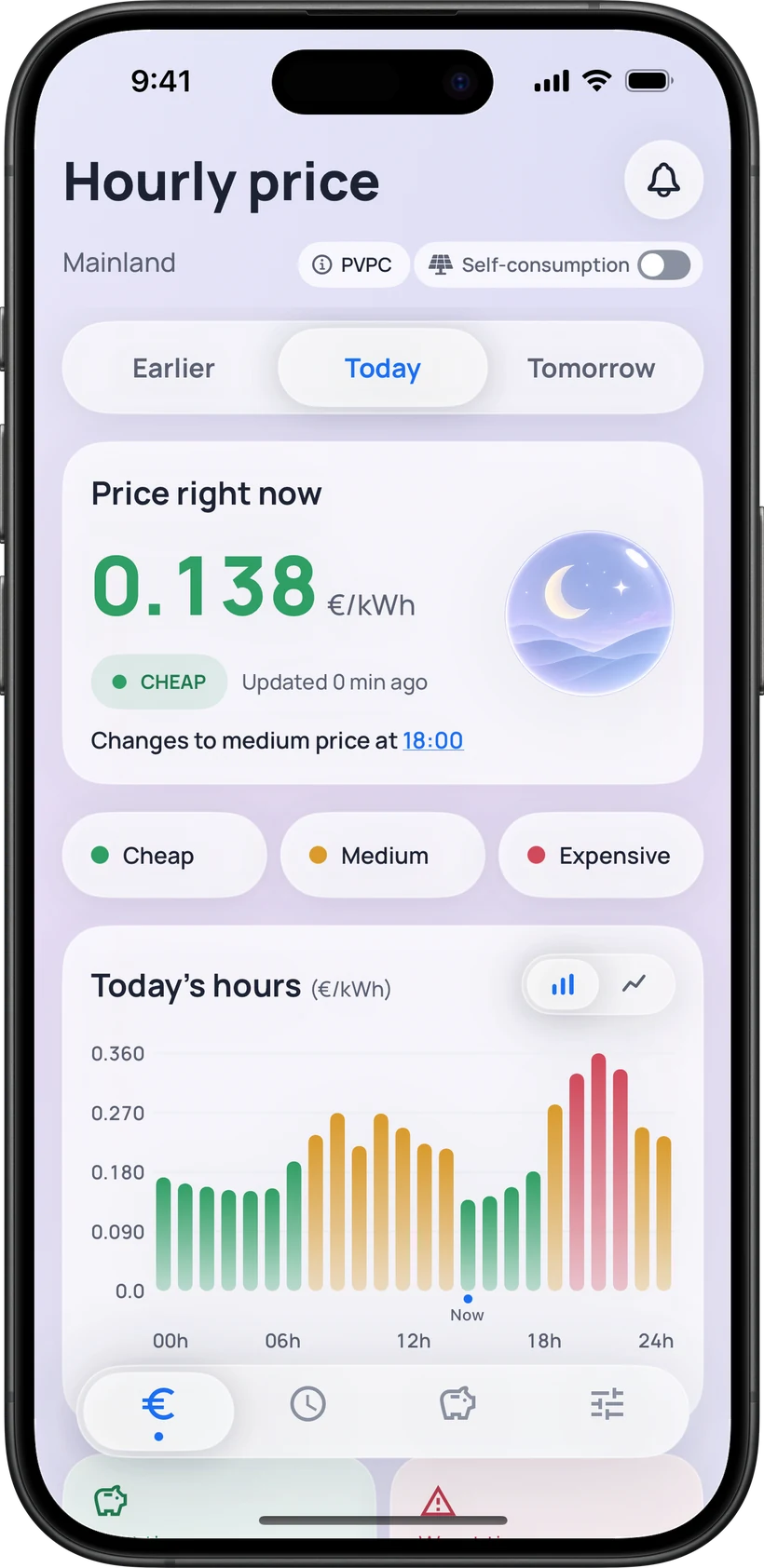
Dynamic mode shifts the background with the time of day: morning, midday, afternoon and night. You can also lock it to light or dark.
Illustration of the four dynamic themes
 FranjaLuzPrecio Luz España
Download FranjaLuz and start planning your energy use around each day’s official prices.